
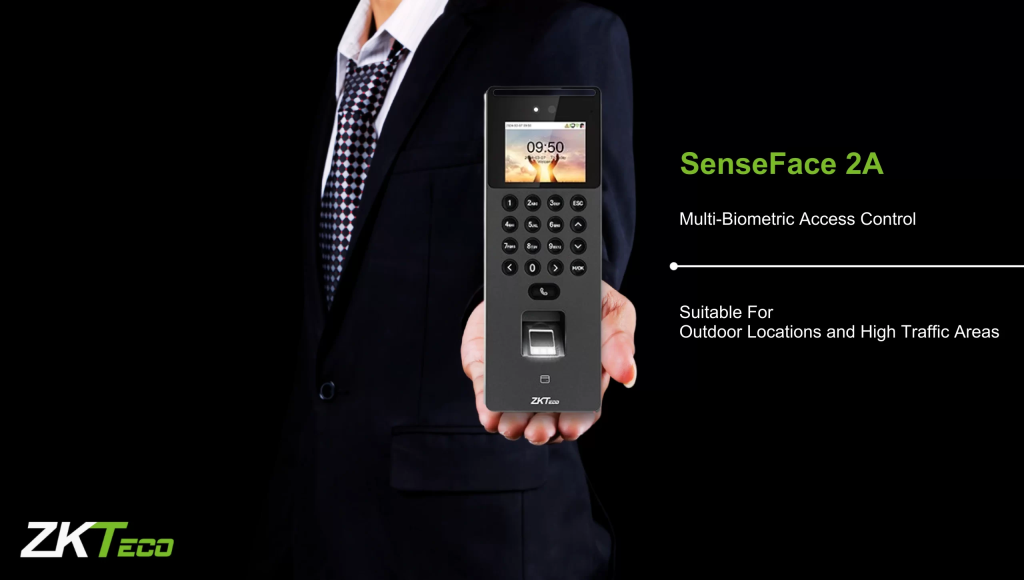
Why the ZKTeco SenseFace 2A is the Smartest Choice for Your Office
2 In 1 Face Intercom (ZKTeco SenseFace 2A) In the fast-evolving world of workplace security, business owners often face a tough choice: do you install a high-end facial recognition terminal for staff, or a video intercom for visitors? For a long time, you had to buy both.
However, the 2 In 1 Face Intercom (ZKTeco SenseFace 2A) has completely changed the game. By merging elite biometric security with a professional SIP video intercom, this “2-in-1” powerhouse simplifies your entryway while doubling your security.
The Power of Two: Facial Recognition Meets Video Intercom
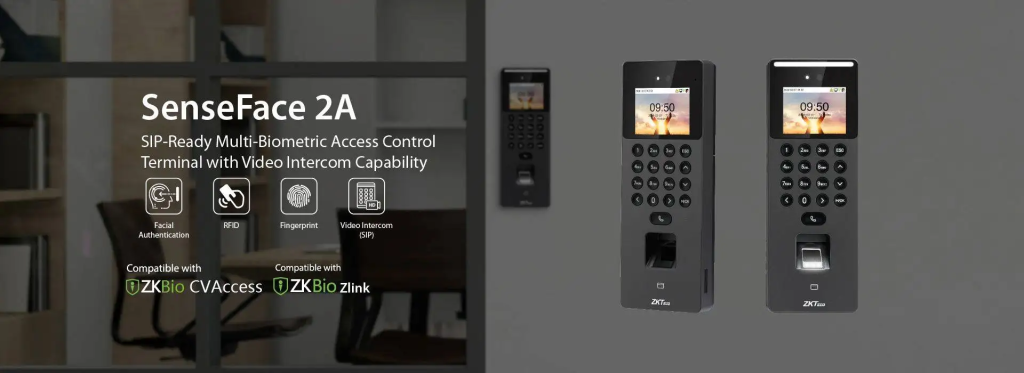
First and foremost, the SenseFace 2A stands out because it eliminates the need for multiple devices cluttering your front door. Most traditional terminals only focus on employee “clock-ins.” In contrast, the SenseFace 2A acts as a digital doorman.
While it quickly identifies staff members using visible light facial recognition, it also allows visitors to press a button and call your front desk or smartphone via the SIP 2.0 protocol. This dual-functionality ensures that you never miss a delivery or a client meeting again.
Faster Recognition, Higher Security
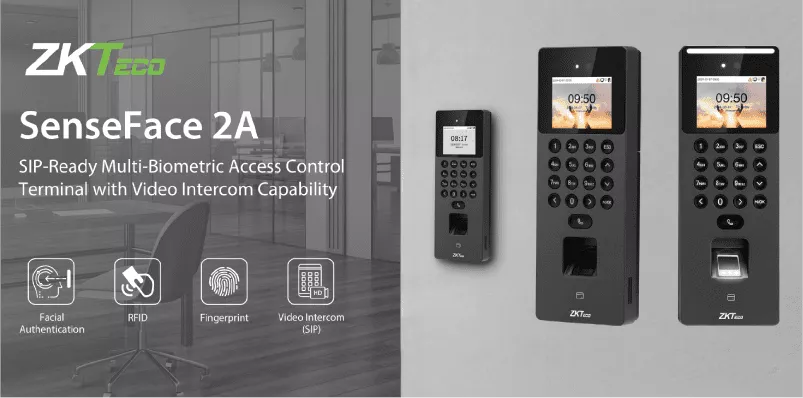
Security is only effective if it is convenient. Fortunately, the 2 In 1 Face Intercom SenseFace 2A utilizes advanced Visible Light Facial Recognition technology. This means the device recognizes faces in less than 0.3 seconds, even in low-light office environments. Furthermore, the system features robust anti-spoofing algorithms. It can easily distinguish between a real human face and a high-resolution photo or video, effectively preventing unauthorized access attempts.
Because the device uses a binocular camera with WDR (Wide Dynamic Range), it performs consistently regardless of the lighting conditions in your lobby.
Seamless Integration for Modern IT Teams
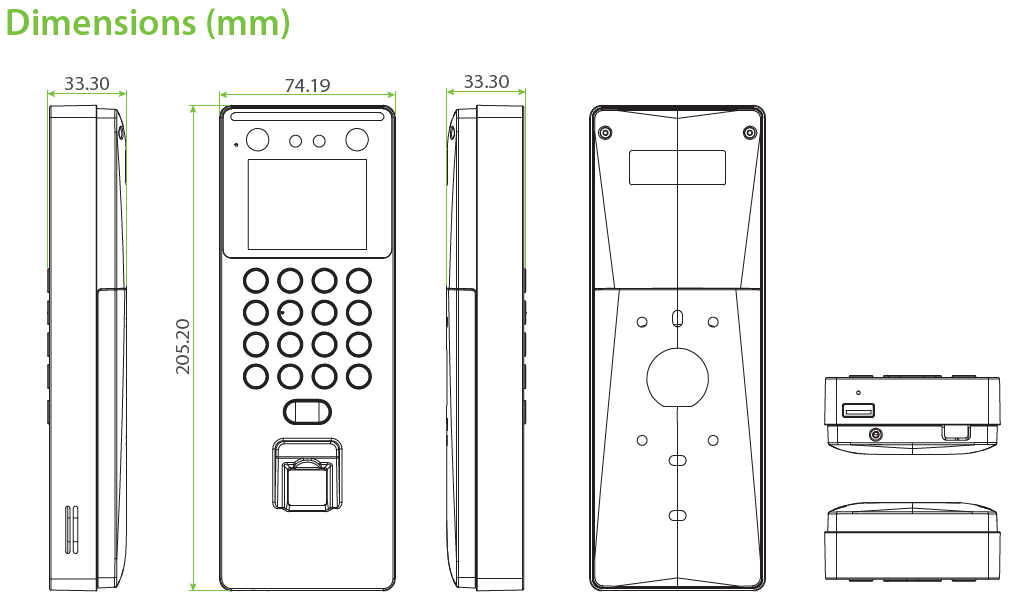
From an IT perspective, the SenseFace 2A is a dream to manage. It supports the standard SIP protocol, which allows it to integrate directly with your existing IP phone system or specialized security software like ZKBio CVAccess.
Additionally, the device offers multiple verification methods, including fingerprint, card, and password. This flexibility ensures that every user from the tech-savvy intern to the traditional manager can enter the building without friction.
ZKTeco Senseface 2A Time Attandance User Guide
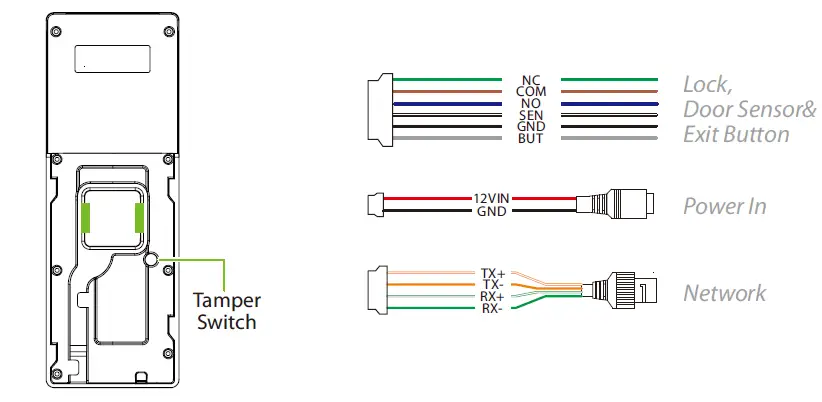
1. Initial Device Setup
Before enrolling users, ensure the device is configured to communicate with your network or software.
- Access the Menu: Press the M/OK key. (If an admin is already set, you will need their face or fingerprint to enter).
- Network Settings: Go to
Comm.>Ethernet. Set a Static IP address that matches your office network to ensure the connection stays stable. - Set the Date/Time: Go to
System>Date Time. It is crucial that this is accurate, or your attendance logs will be wrong.
2. Enrolling Users (Staff)
You can register users directly on the device or via software. For better engagement, doing it on the device is often easiest for small teams.
- New User: Go to
User Mgt.>New User. - User ID: Assign a unique ID (e.g., 1, 2, 3).
- Enroll Face: Select
Face. Ask the employee to look at the camera. The Visible Light tech works quickly—just ensure they aren’t wearing dark sunglasses or a heavy mask during the initial scan. - Enroll Fingerprint (Optional): Select
Fingerprintand have them press their finger on the sensor three times. - Set Admin: To lock the settings, change the User Role of at least one person (usually HR or IT) to Super Admin.
3. Configuring Attendance Rules
The 2 In 1 Face Intercom SenseFace 2A can automatically switch between “Check-In” and “Check-Out” based on the time of day.
- Status Switch: Go to
Attendance>Attendance Parameters. - Auto Status: Enable this if you want the screen to automatically show “Check-In” in the morning and “Check-Out” in the evening. This prevents employees from having to manually press a button.
- Verification Interval: Set this to “1 minute” to prevent an employee from accidentally “double-clocking” if they stand in front of the camera for too long.
4. Downloading Attendance Reports
There are two ways to get your data for payroll:
Option A: The USB Method (No Software)
- Insert a FAT32 formatted USB drive into the bottom port.
- Go to
USB Manager>Download. - Select
Attendance Data. The device will export a file that you can open on your PC to see the timestamps.
Option B: Software (ZKBio Time / ZKBio CVAccess)
- In the device menu, go to
Comm.>Cloud Server Settings. - Enter the Server IP (the computer where your ZK software is installed).
- The device will “Push” the data automatically to the software in real-time.
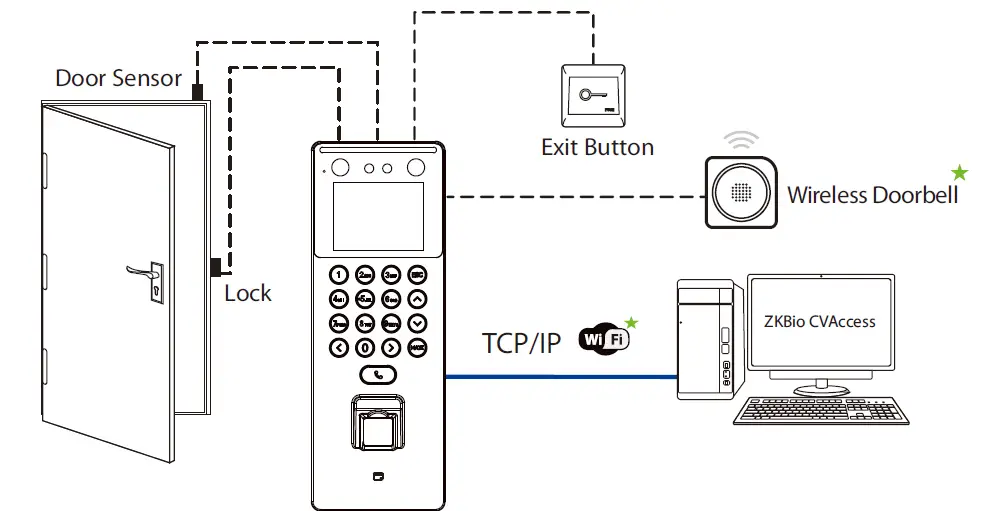
Picture Shows Use From ZKBio CVAccess
The SenseFace 2A – Trusted by 5M+ businesses across Government, Healthcare, Finance, Tech sectors and more.

Don’t be left behind. Modernize your office security, eliminate badge sharing, and cut reception workload all with one intelligent device, the SenseFace 2A. It prevents buddy punching with advanced facial recognition, eliminates forgotten keycards since your face becomes your key, and boosts productivity by allowing employees to enter instantly without waiting.
Multiple authentication options (face, fingerprint, keycard) ensure it works for every situation. Built-in HD video calling transforms your entrance into a smart reception area where visitors connect instantly with staff.
Why Your Office Needs This Upgrade in 2026
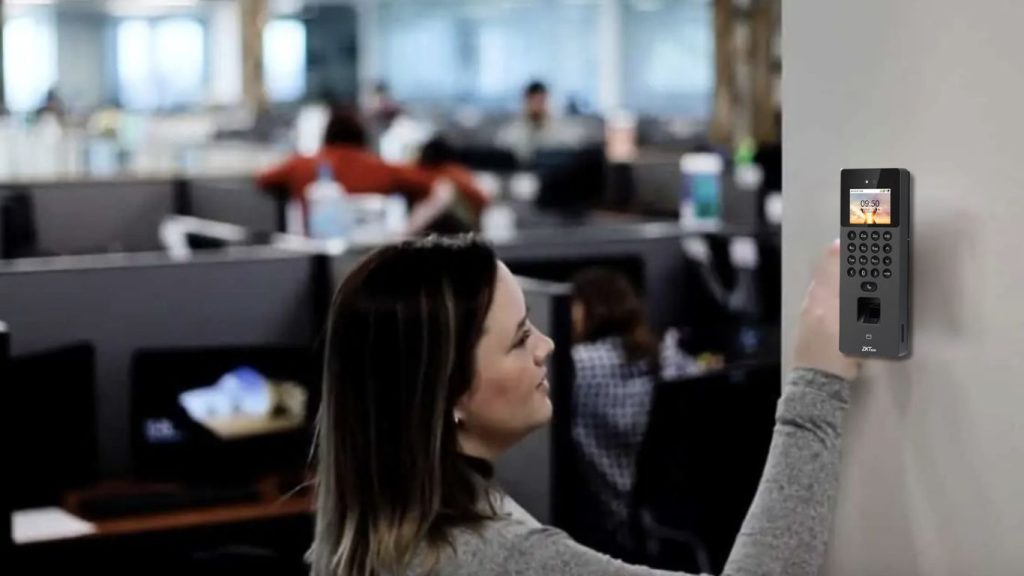
As we move further into 2026, “touchless” technology is no longer a luxury; it is the standard. The SenseFace 2A provides a hygienic, hands-free entry experience that modern employees expect. Moreover, the compact and sleek design fits perfectly into modern office aesthetics, proving that high-level security doesn’t have to look industrial or bulky.
Our Project
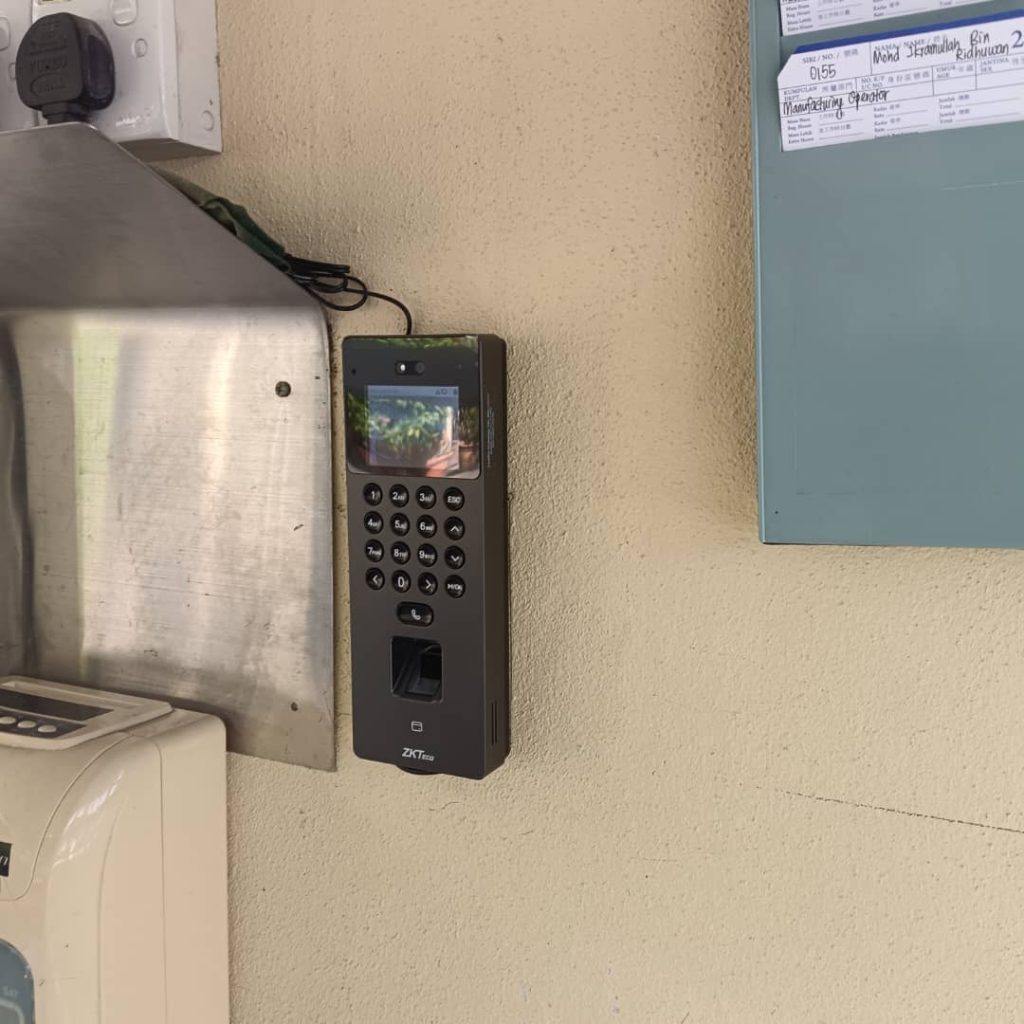
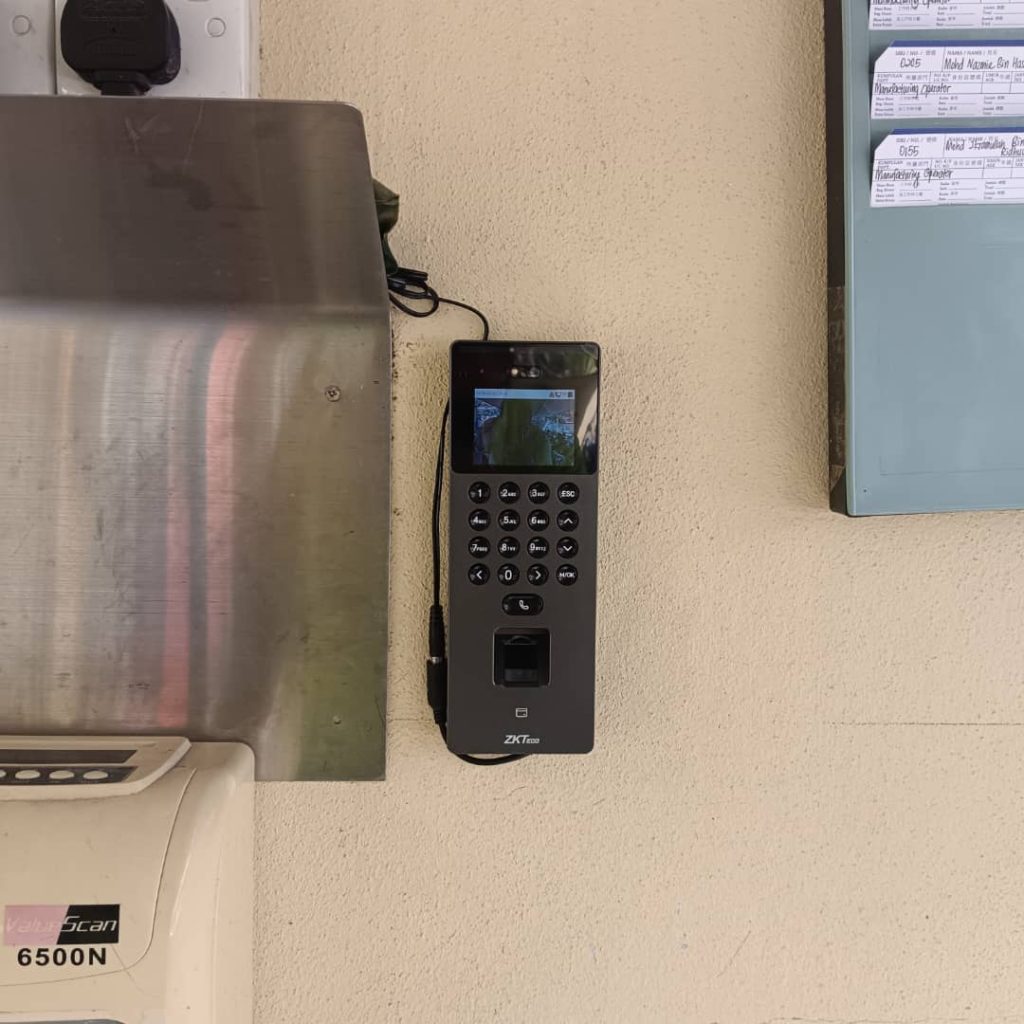
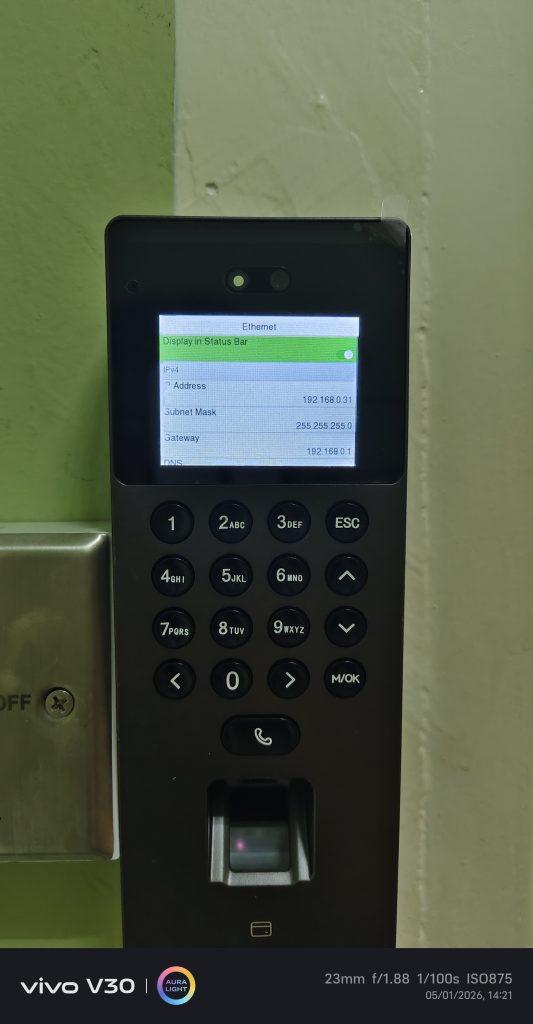
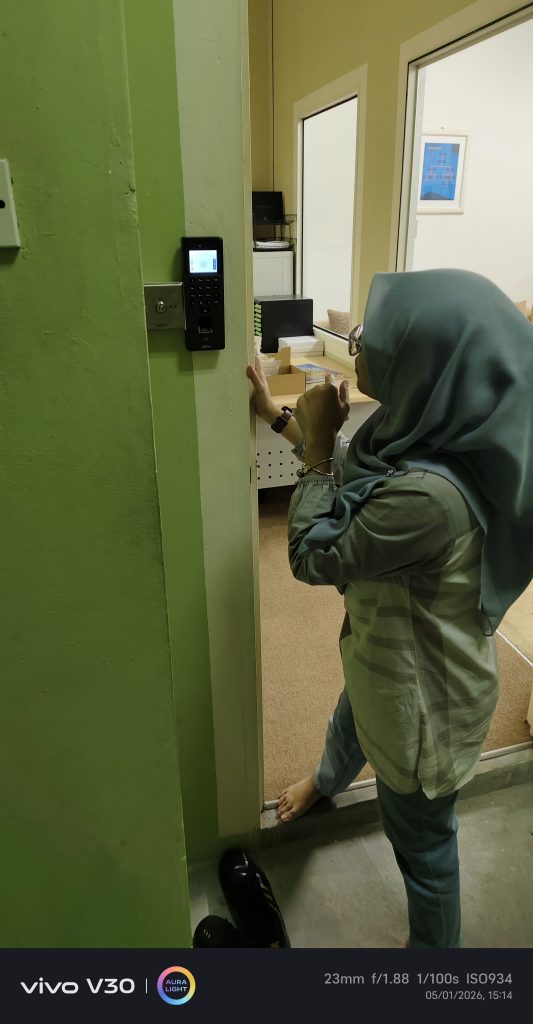
Looking for Access Control in Puchong ,Kuala Lumpur & Klang Valley?
If you find the technical setup a bit overwhelming or need a professional to integrate this with your local payroll system, expert help is nearby.
Need a professional hand? For on-site installation, software training, or technical support for your access control in Puchong ,Kuala Lumpur & Klang Valley, contact Veplus Solutions. We ensure your SenseFace 2A is configured perfectly from day one. Click here to reach our sales team for more details or to request a quotation.